Posting an ad on Quikr is very easy and takes not more than 30 seconds. Simply follow the steps below to understand the Post Ad flow better.
Step 1
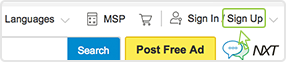
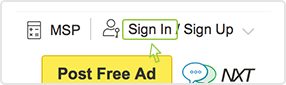
Click on the "Post Free Ad" link in the header on all Quikr pages.

Step 2
Select City & Location
Select the city and specific locality from the drop down menu where you would like your Ad to be displayed. In case you do not find your location in the list, please enter a location closest to you. We are constantly looking to add more locations in every city.

Step 3
Select Category & Sub Category
Choose the right category and sub-category as given below to match the product or service you wish to sell or promote.
For eg. If you are selling a car, then you should post your Ad in the category Cars & Bikes and Sub category Cars/ Suvs vans.

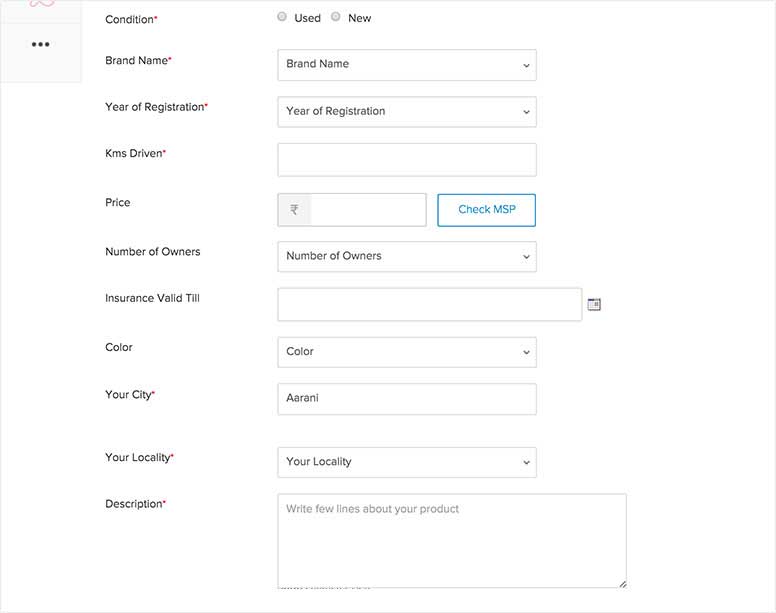
Complete Key Features section
Depending on your selected sub-category, complete the key features / attributes section too. Remember, Ad type and Price option are mandatory. Attributes help your Ad give more information to buyers.

Step 4
Enter Title & Description
Enter an appropriate Title for your ad to grab attention and give enough information of your item or service to help a potential buyer know more about your item and help your chances of getting quality responses. You can also give your contact details (If you wish to) for immediate responses.

Step 5
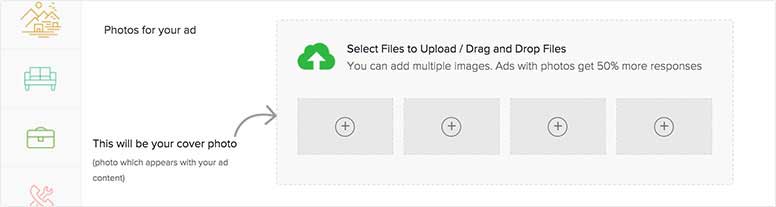
Upload Pictures of the product
You have the option of uploading up to 4 pictures of your item to make your Ad more attractive. The size of all 4 photos together should not exceed 4MB.

Step 6
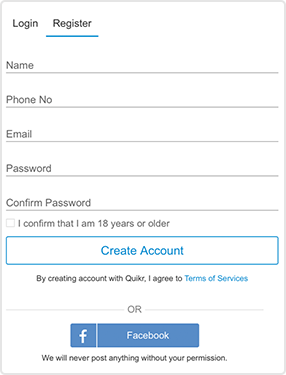
Enter valid Email Address to:
- Get Id & Password in mailbox
- Post Ads
- Get replies to Ads
- Get buyer alerts and special offers

Mobile Number
You also have the option to mention your mobile number. Mentioning mobile number is not mandatory. However by entering a valid mobile number you are eligible to receive SMS alerts for your Ad replies. This helps you respond to buyers faster.

Step 7
Click the "Post Ad" button. Remember, your Ad will be posted only in the city chosen by you while posting that Ad.

Once your Ad is posted you will get a Confirmation email at your email address.
- If your location is not present on Quikr, you may enter any location from the list closest to you.
- Mentioning your correct location will help people who see your Ad know where you/product/service is located.
No, mentioning your mobile number is not mandatory. However by entering a valid mobile number you are eligible to receive SMS alerts for your Ad replies. These alerts help you respond faster to potential buyers.
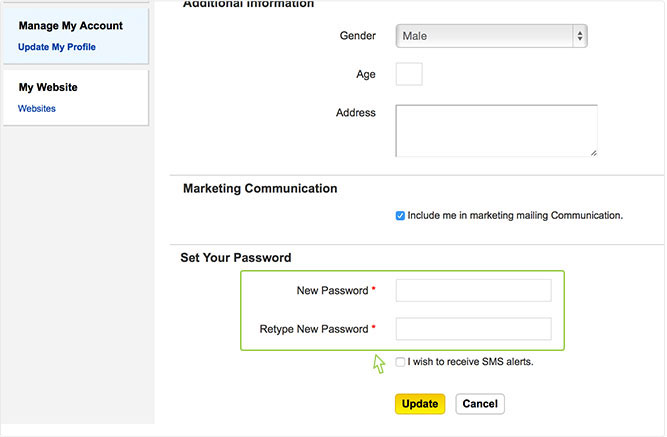
SMS alerts helps notify the Seller/ Poster of an Ad as soon as he gets a reply. An alert is sent to the Mobile number which you have entered at the time of Posting an Ad / Registration. You will receive SMS alerts for your Ads posted and replies received. You could also choose to de-activate this service through "Update My Profile" link under "Manage My Account" in My Quikr.
Quikr is a free service and does not charge you any fees to post Ads. Go ahead and enjoy it. All Ads are subject to meeting the Terms of Use and Prohibited Items Policy.
To increase the chance of getting a good response, follow these simple tips
Title - A good title will attract more visitors to your Ad Mention important keywords in title.
Description - To get people interested, follow these simple tips
- Make the description as detailed as possible
- Make it easy for buyers to pick up the item by mentioning
the location of the item and when you would be available
- Add contact information
- Use Text Editor features such as Bold, Color, Bullets etc.
to make the Ad description more attractive.
Upload Images - Include upto 4 pictures to enhance your Ad. The size of all 4 photos together should not exceed 4MB.
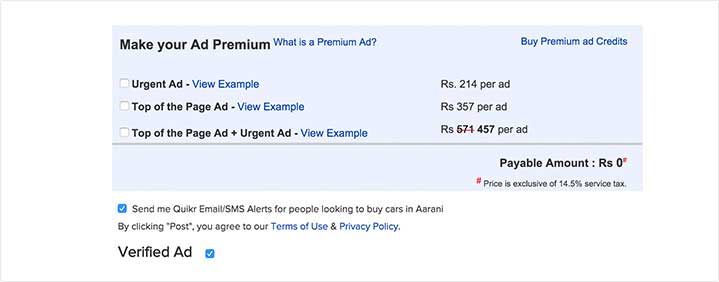
Use these tips and other innovative ideas to make your Ad more attractive and increase your chances of getting replies. In addition you can also subscribe to Quikr "Premium Ad".
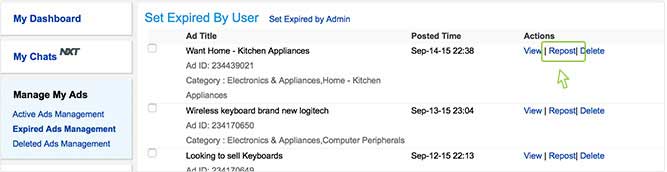
Ads stay live on the site for 90 days after which they expire automatically and are not displayed as a part of the live ads on site. You will get Ad Expiry reminders before 5 days and before 24 hours of Ad expiry date. You can extend your Ad duration by reposting your ads after its expiry, from your "My Quikr" account. You can even delete your Ad by logging into "My Quikr".
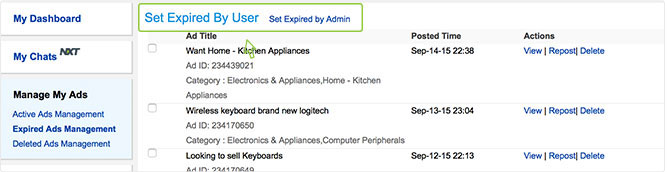
All Ads are live for 90 days on the Quikr site; post which you will get a reminder expiry mail to repost the Ad. The user can repost his expired Ads from either the repost link in the mail or from "Expired Ads Management" link Under "Manage My Ads" tab in My Quikr account.
You can post up to 25 different Ads daily. Any duplicate ads or the same ad posted more than once will be deleted.
User's who violate Quikr's Terms of Use and Listing Polices, will not be able to post Ads.
However, incase you are unable to post an ad for any other reason, please contact us at support@quikr.com and we will get back to you at the earliest.
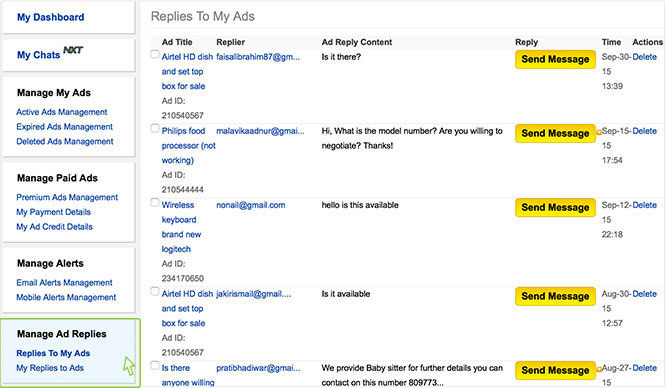
- Those interested in your Ad can use the option of "Reply to Contact Poster" on the View Ad page. Fill in the required details like email, name, and message with their contact details and you would receive an email. After you receive the email message, you can choose to respond and give additional information like phone number.
- Users also have the option to contact you on phone .You can give your contact details only if you wish to do so in the ad description area of the post ad flow. If you put your phone number, the interested parties can directly contact you.
Discussion Forums on Quikr are meant to be a public platform for the local community to share their experiences, give their opinion and help people on a range of topics that are relevant and helpful to the local community of the city. It's free
To participate in the Quikr Discussion Forum
- You need to register on Quikr
- Select the forum you wish to participate in
- Post your commnets
- Please do not use the Discussion Forum to Post Ads or Promote anything.